NTS KCarbon problem


NTS KCarbon problem
12 years 2 months ago - 12 years 2 months ago
Hi,
i've bought your template (nts carbon) and some part of my forum are transparent how can i solve this problem?
image example of the problem:
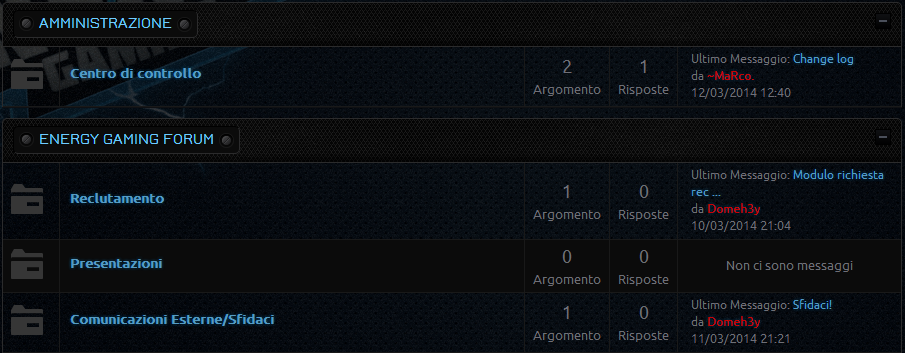

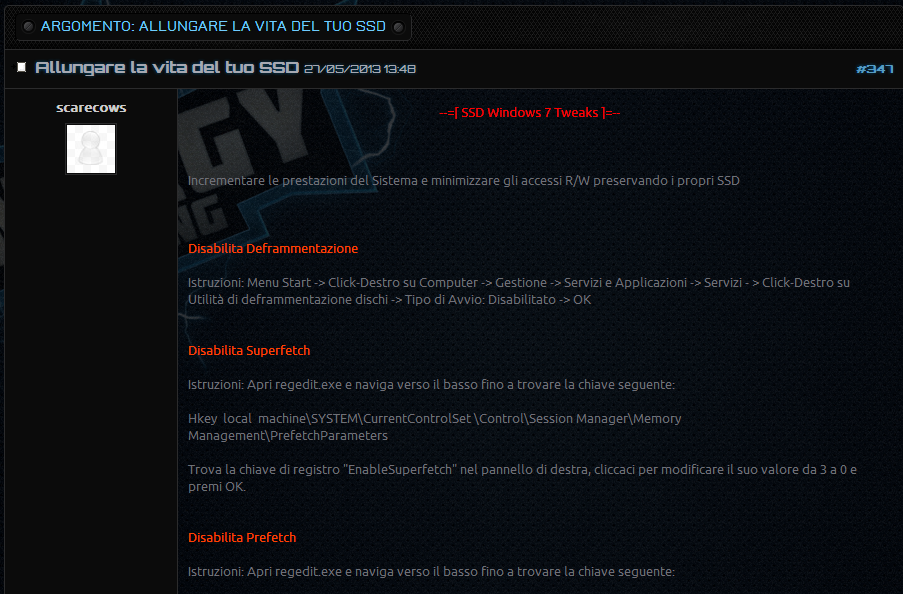
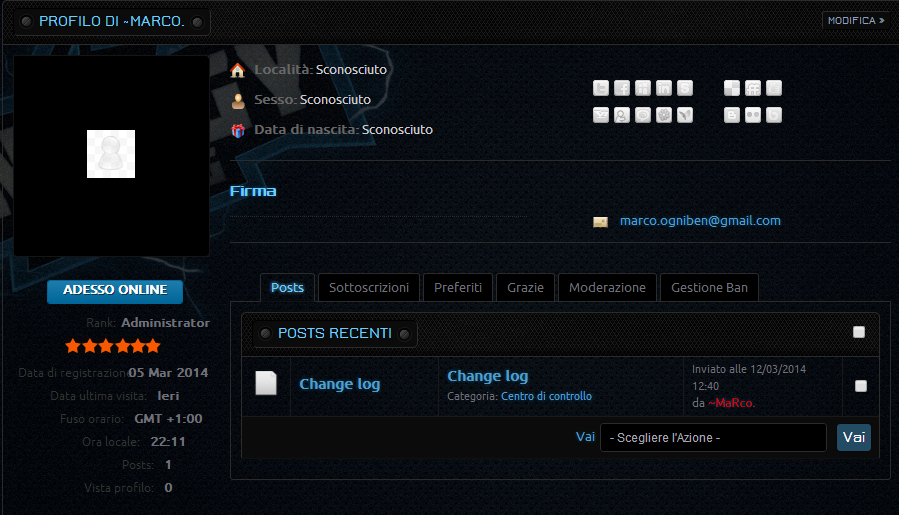
and probably on other part of the forum.
I look forward to hearing from you.
Regards,
Domenico
i've bought your template (nts carbon) and some part of my forum are transparent how can i solve this problem?
image example of the problem:
and probably on other part of the forum.
I look forward to hearing from you.
Regards,
Domenico
Last edit: 12 years 2 months ago by ntstore.
Please Log in or Create an account to join the conversation.


Re: NTS KCarbon problem
12 years 2 months ago
Hi Domeh3y,
In each our template we supported the override style method. Please follow some below steps.
- Step 1. The first you create a CSS file width named nts-kcarbon-custom.css
- Step 2. Copy and paste the below CSS rules to that file.
- Step 3. Save and use a FTP program to upload this file to css folder of the current Joomla! template.
- Step 4: Reload your site to check the changed.
Regards
In each our template we supported the override style method. Please follow some below steps.
- Step 1. The first you create a CSS file width named nts-kcarbon-custom.css
- Step 2. Copy and paste the below CSS rules to that file.
Code:
body #Kunena {
background: rgba(0,0,0,0.9);
}
- Step 3. Save and use a FTP program to upload this file to css folder of the current Joomla! template.
- Step 4: Reload your site to check the changed.
Regards
Hung Pham
Email: 9themestore@gmail.com
Twitter: @9themestore
Email: 9themestore@gmail.com
Twitter: @9themestore
The following user(s) said Thank You: Domeh3y
Please Log in or Create an account to join the conversation.
Time to create page: 0.236 seconds